Installing Camouflage
Welcome to the Camouflage installation guide. Choose your edition and follow the installation instructions.
Editions
Community Edition (CE)
Camouflage Community Edition is our free, open-source offering that provides:
- 1 Gateway Daemon
- Support for up to 10 Nodes
- Core networking features
- Access Control Lists (ACLs)
- Basic monitoring and logging
Perfect for:
- Small teams and projects
- Development and testing
- Personal networks
- Open source projects
Enterprise Edition
Camouflage Enterprise Edition deploys Camouflage Cloud on your own infrastructure for maximum control and data sovereignty:
- Unlimited Gateway Daemons
- Unlimited Nodes
- Multi-organization support
- Advanced user management
- Role-based access control (RBAC)
- Dedicated support
- SLA guarantees
Perfect for:
- Large enterprises
- On-premises requirements
- Data sovereignty needs
- Compliance requirements
Desktop App (macOS / Windows)
Download the Camouflage desktop app from the Downloads page.
macOS
- Download the
.dmgfile for your architecture (Apple Silicon or Intel) - Open the downloaded DMG file
- Drag Camouflage into your Applications folder
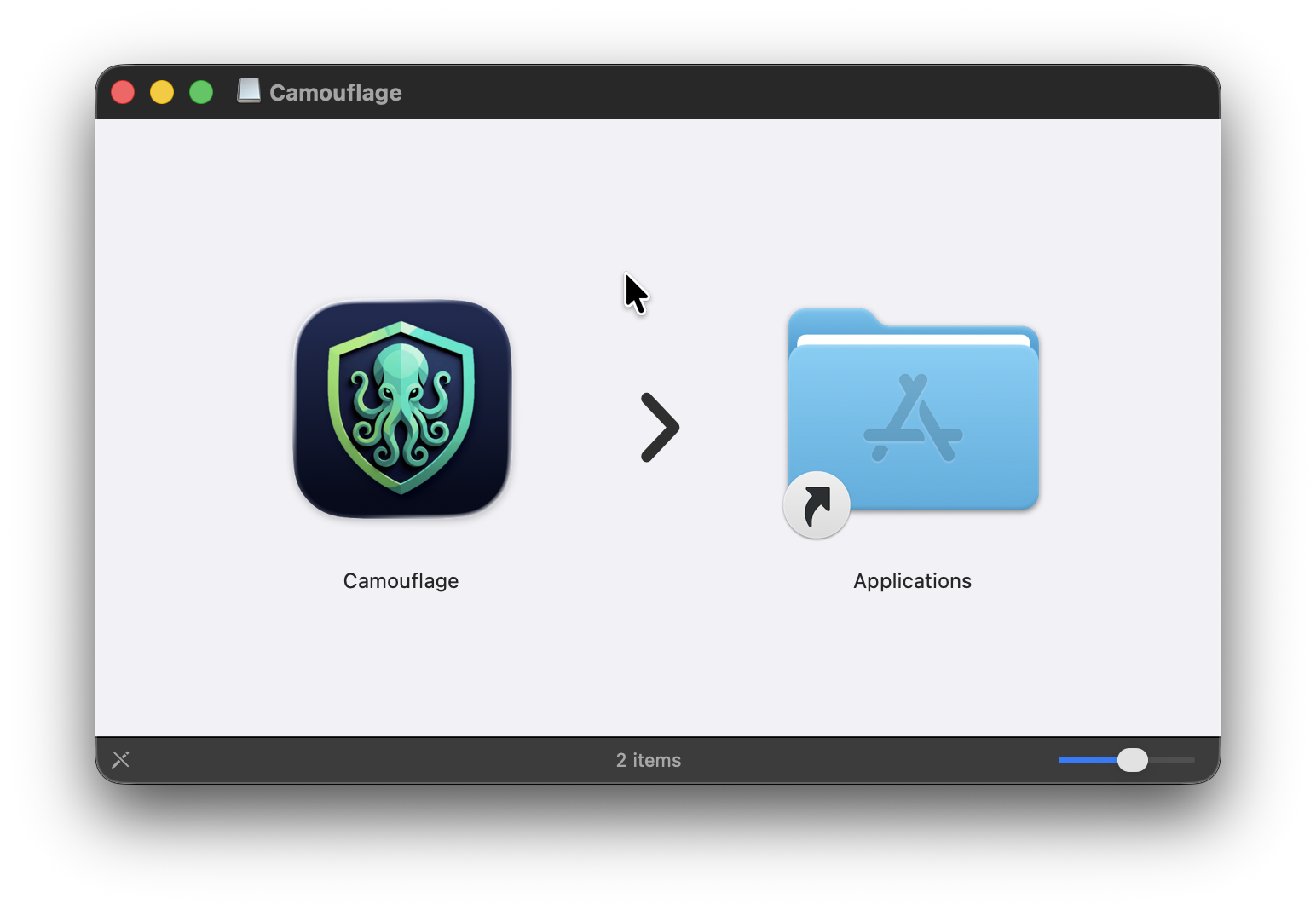
- Launch Camouflage from Applications
- The app will prompt for permission to install the system daemon
- Once installed, the Camouflage Hub will open
Windows
- Download the
.exeinstaller - Run the installer as Administrator
- Follow the installation prompts
- Launch Camouflage from the Start menu
Before You Install
Before proceeding with installation, please review:
- System Requirements - Ensure your environment meets the prerequisites
- Architecture Overview - Understand the components
- Key Concepts - Learn the fundamentals
Need Help?
- Visit our GitHub for support