Mirror — Expose & Tunnel
Mirror lets you expose local services to the internet through secure reverse tunnels. Share a local development server, demo an app, or provide temporary access to a service running on your machine.
Features
- Expose localhost — Make local ports accessible via public URLs
- Secure tunnels — All traffic is encrypted in transit
- Session management — Create, monitor, and tear down tunnels from the UI
- Multiple tunnels — Run several tunnels simultaneously
Getting Started
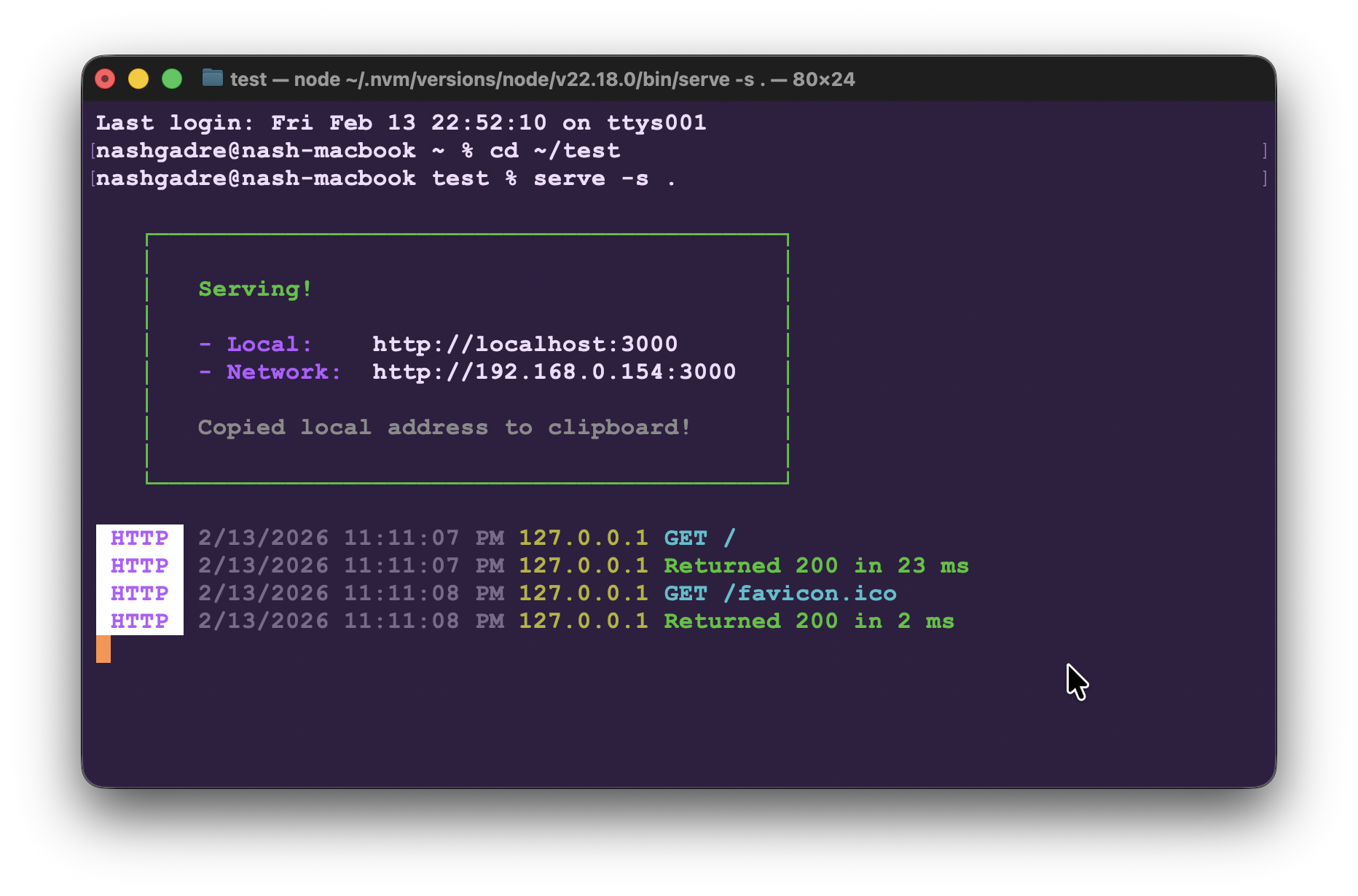
- Start a local server on any port (e.g.
serve -s .on port 3000)
- Open Camouflage Hub and click the Mirror card (or use the New Mirror quick action)
- Enter the local port and choose HTTP or HTTPS, then click Start Mirror
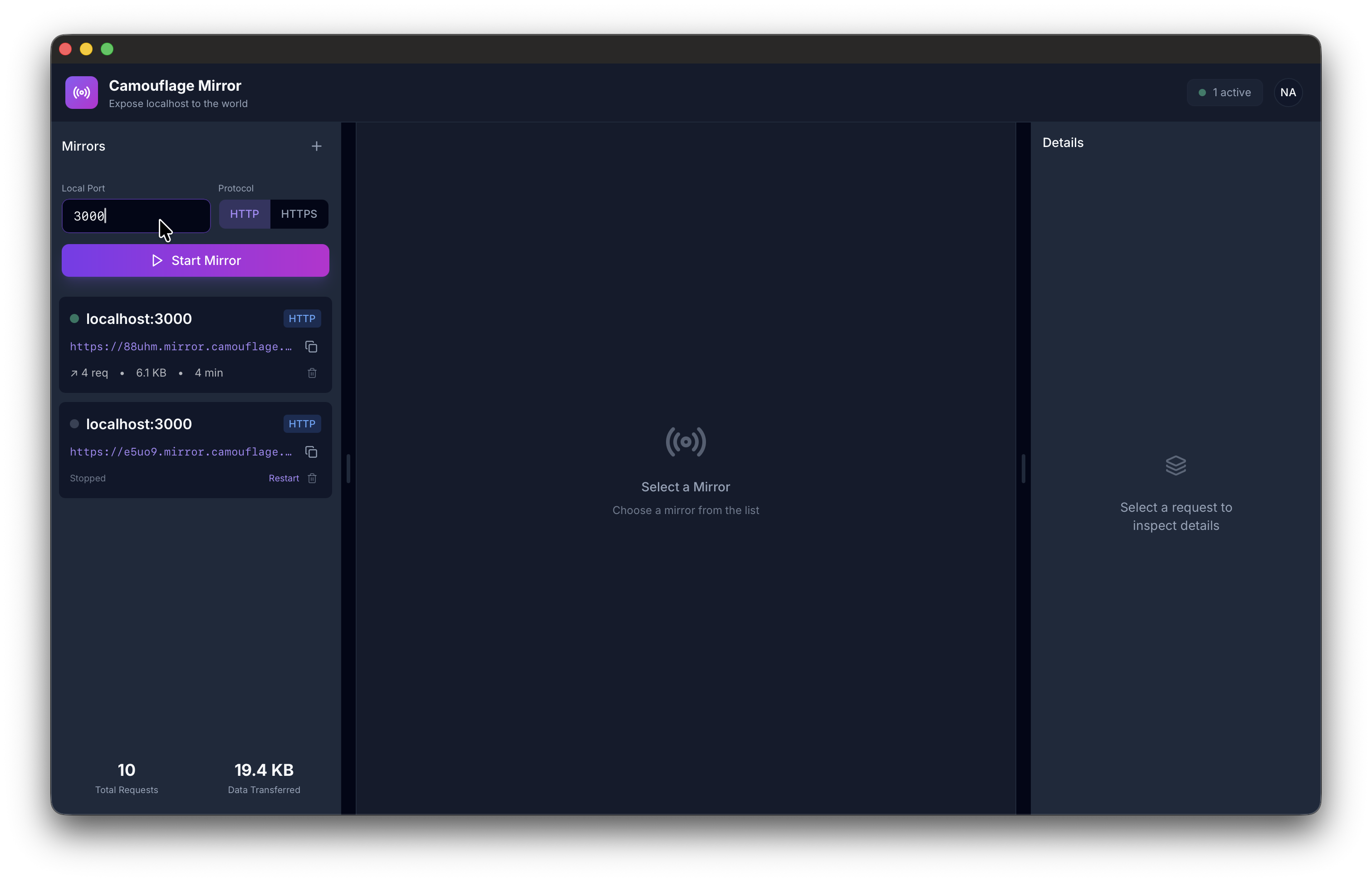
- A public URL is generated for your tunnel — share it with anyone
Mirror does not require authentication to use.
Mirror Window
The Mirror window is a full-size (1400 x 900) resizable window where you can manage all your tunnels.
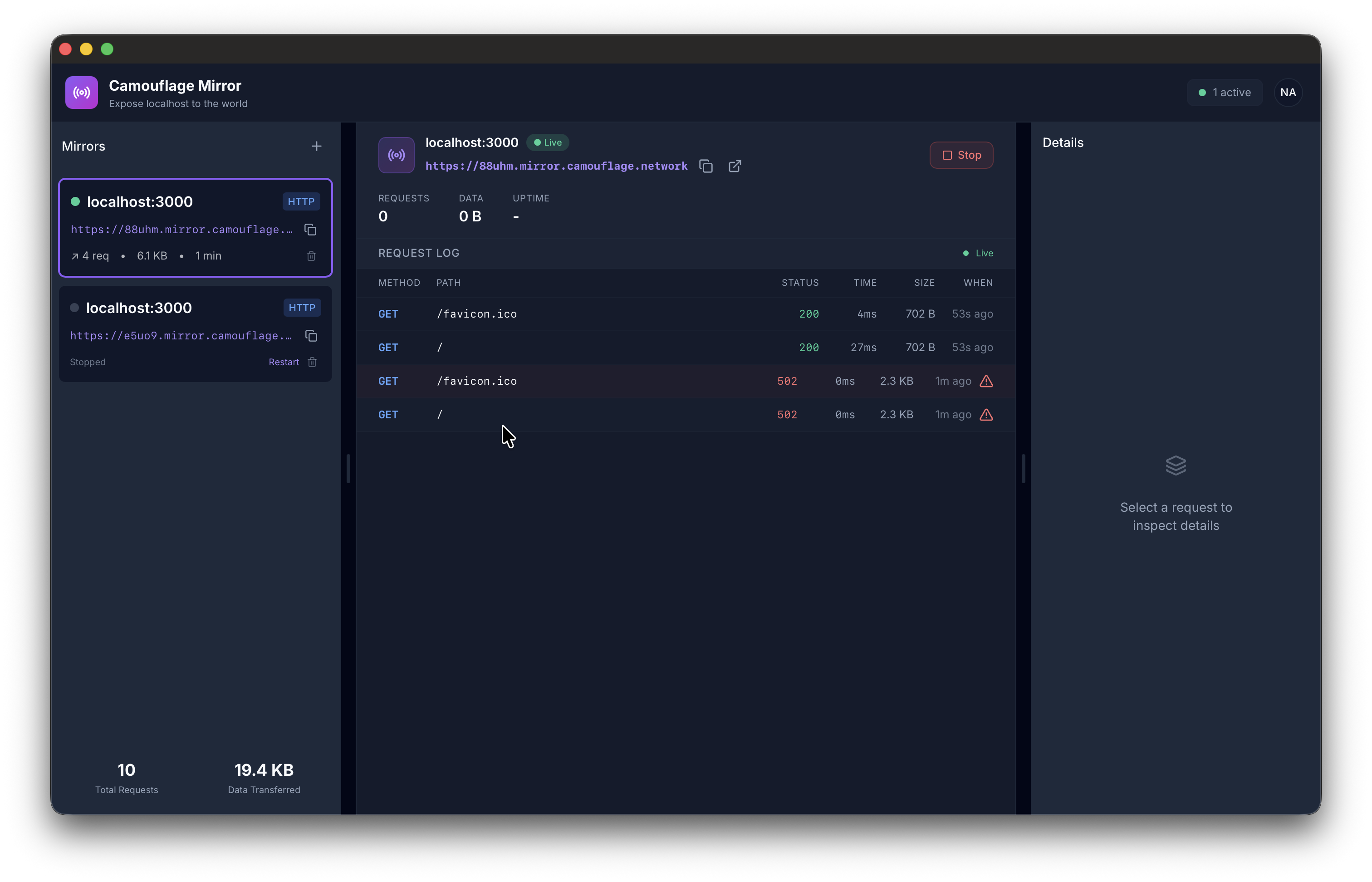
The left sidebar lists all your mirrors with their status (Live / Stopped). The center panel shows the active tunnel with its public URL, request log, and stats. The request log shows every HTTP request hitting your tunnel in real time — method, path, status code, timing, and size.
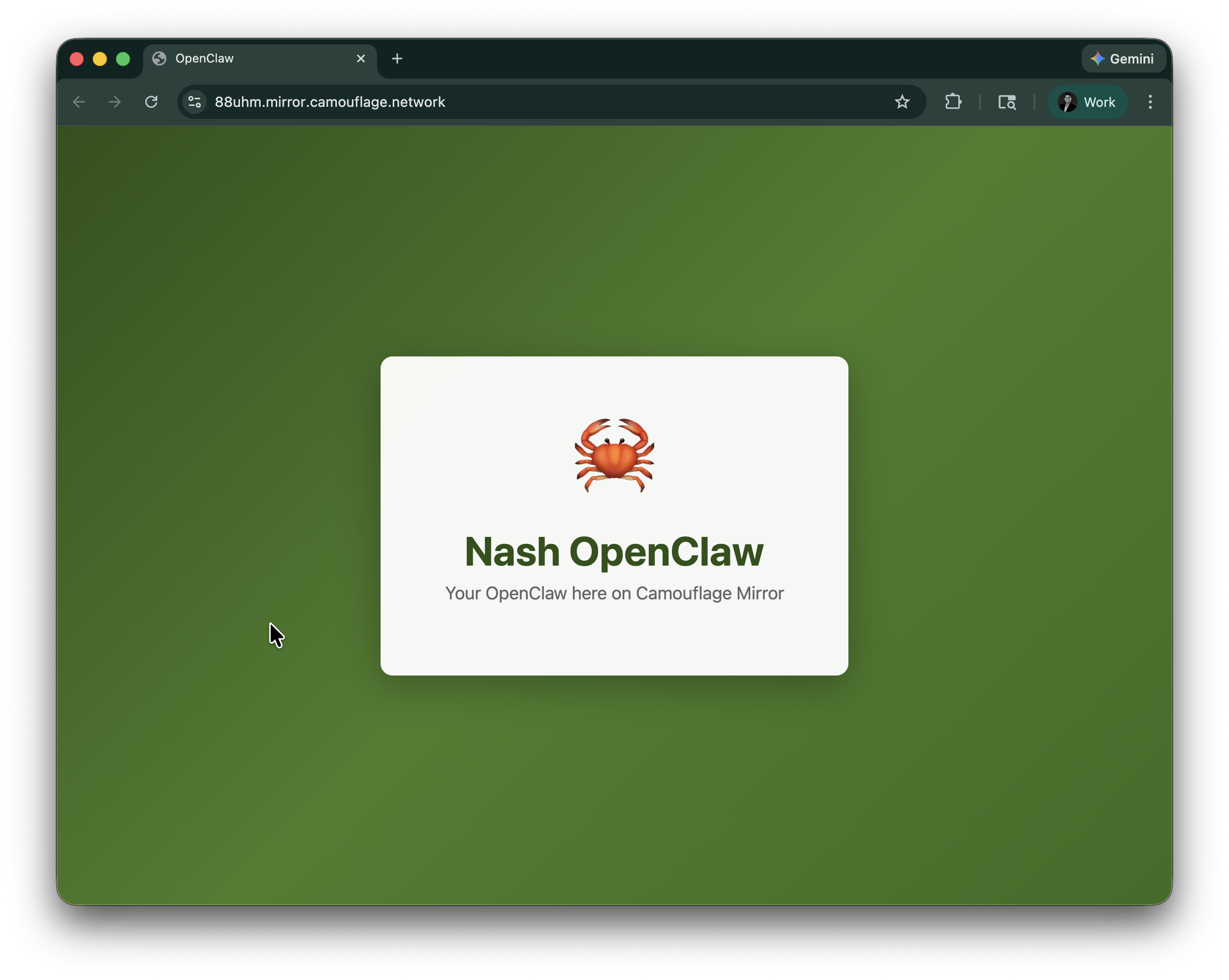
Each tunnel gets a public URL on *.mirror.camouflage.network that anyone can access:
Hub Status
On the Hub, Mirror shows:
- N active (green) — Number of currently running tunnels
- No tunnels (grey) — No active tunnels
CLI Usage (Linux)
On headless Linux servers, Mirror is available via the CLI:
# Authenticate (one-time setup)
camouflage-client login

# Expose a local port
camouflage-client mirror 3000

# Specify protocol
camouflage-client mirror 3000 --protocol http
The CLI uses a device code flow for authentication — it displays a code and URL, you enter the code at camouflage.network/activate in your browser, and the CLI picks up the auth automatically.
Requires the camouflage-client daemon to be running:
sudo systemctl enable --now camouflage-client
Use Cases
- Development — Share a local dev server with teammates for review
- Demos — Give a client a live URL to preview work in progress
- Webhooks — Receive webhook callbacks to a local service during development
- Testing — Expose a local API for integration testing
- Headless servers — Expose services running on Linux servers without a GUI