Downloads
The Downloads page provides installers for the Camouflage desktop app across all platforms.
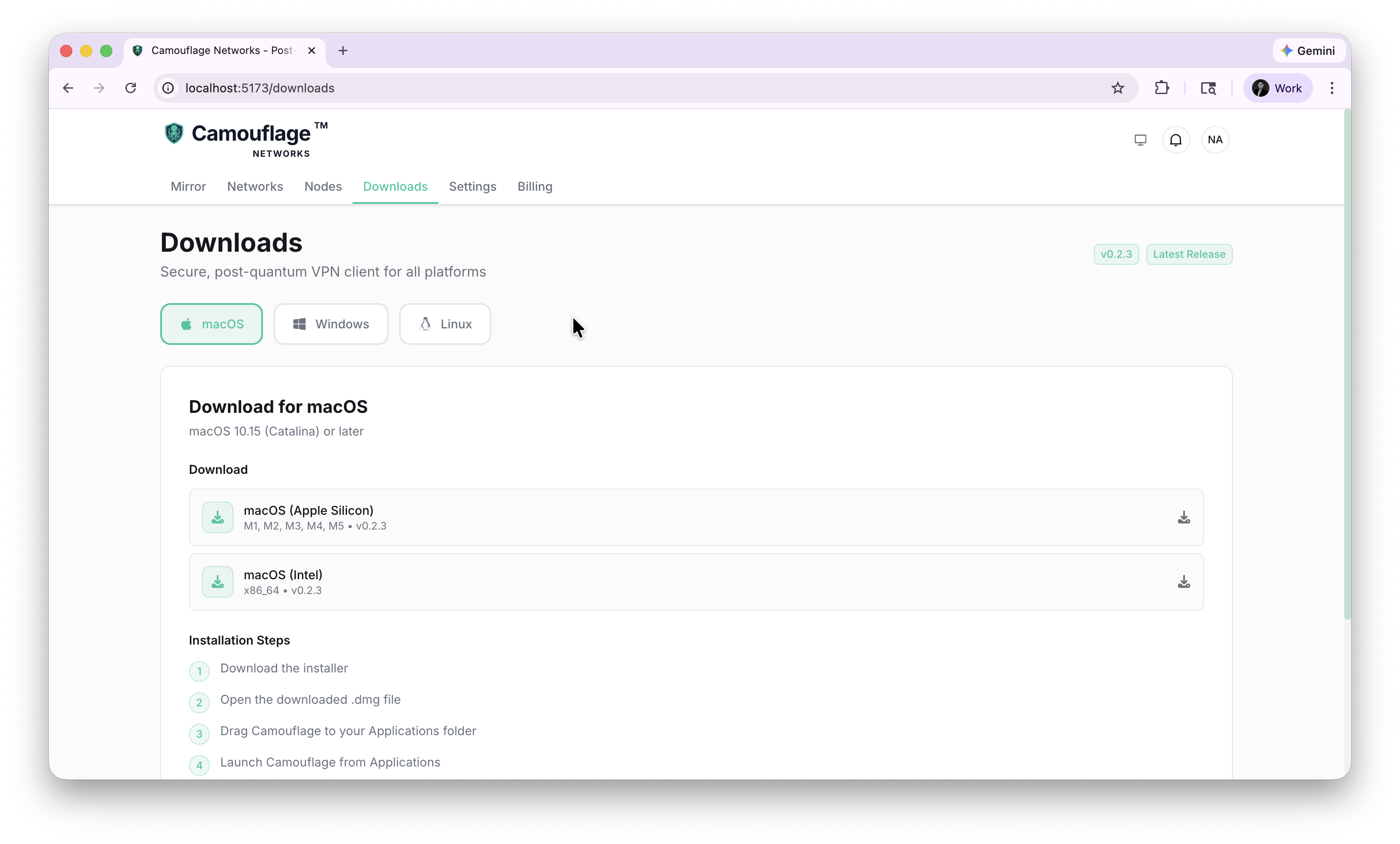
Available Platforms
macOS
- Apple Silicon (M1, M2, M3, M4, M5) —
Camouflage.dmg - Intel (x86_64) —
Camouflage_x64.dmg - Requires macOS 10.15 (Catalina) or later
Windows
- x64 —
Camouflage_x64-setup.exe
Linux
Native packages for all major distributions:
- Debian/Ubuntu (x86_64) —
.debpackage (Ubuntu 22.04+, Debian 12+) - Debian/Ubuntu (ARM64) —
.debpackage (Raspberry Pi 4+, ARM servers) - RHEL/Fedora (x86_64) —
.rpmpackage (RHEL 9+, Rocky 9+, Fedora 35+) - RHEL/Fedora (aarch64) —
.rpmpackage (ARM-based RHEL systems) - Requires GLIBC 2.35+
Installation Steps
macOS
- Download the installer for your architecture
- Open the downloaded
.dmgfile - Drag Camouflage to your Applications folder
- Launch Camouflage from Applications
Windows
- Download the Windows installer
- Run the downloaded file as Administrator
- Follow the installation prompts
- Launch Camouflage from the Start menu
Linux
Quick install (auto-detects distribution):
curl -sSL https://packages.camouflage.network/install.sh | sudo bash
Manual installation:
# Debian/Ubuntu (APT)
curl -fsSL https://packages.camouflage.network/apt/camouflage-repo.gpg.key | \
    sudo gpg --dearmor -o /usr/share/keyrings/camouflage-archive-keyring.gpg
echo "deb [signed-by=/usr/share/keyrings/camouflage-archive-keyring.gpg] https://packages.camouflage.network/apt stable main" | \
    sudo tee /etc/apt/sources.list.d/camouflage.list
sudo apt update && sudo apt install camouflage-network

# RHEL/Fedora (DNF)
sudo tee /etc/yum.repos.d/camouflage.repo <<EOF
[camouflage-network]
name=Camouflage Network Repository
baseurl=https://packages.camouflage.network/yum/stable/\$basearch
enabled=1
gpgcheck=0
EOF
sudo dnf install camouflage-network
After installation:
# Enable and start both services
sudo systemctl enable --now camouflage camouflage-client

# Authenticate
camouflage-client login

# Expose a local service
camouflage-client mirror 3000
Version
The current version is displayed in the top-right corner along with a "Latest Release" badge. Downloads always point to the latest stable release.