Mirror
The Mirror page in Camouflage Cloud shows all reverse tunnel sessions created from the desktop app. It provides a centralized view of every tunnel across your organization.
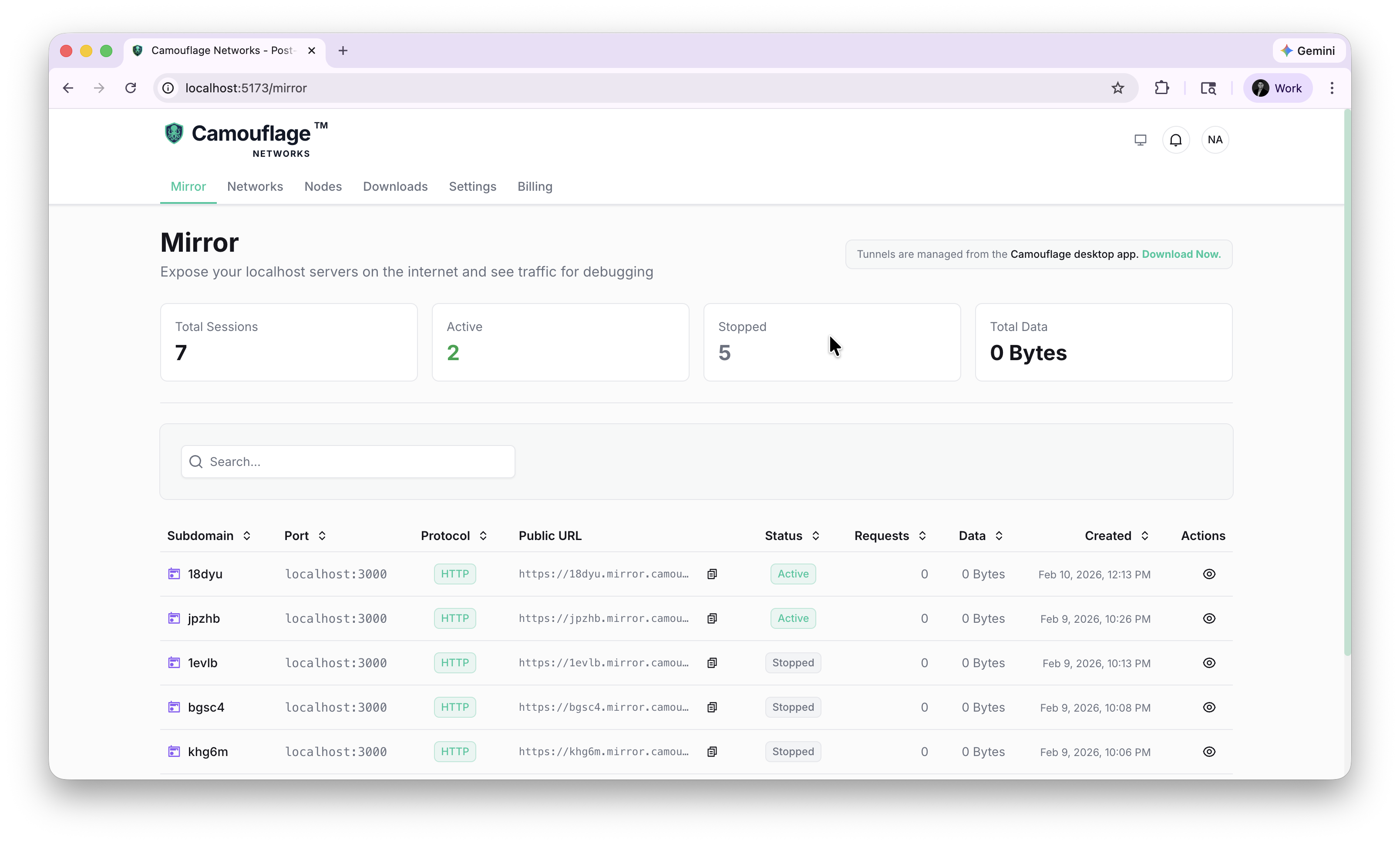
Dashboard
The Mirror page shows summary cards:
- Total Sessions — All tunnels ever created
- Active — Currently live tunnels
- Stopped — Tunnels that have been terminated
- Total Data — Data transferred across all tunnels
Session Table
The table lists every mirror session with:
| Column | Description |
|---|---|
| Subdomain | The unique subdomain assigned to the tunnel |
| Port | The local port being exposed (e.g., localhost:3000) |
| Protocol | HTTP or HTTPS |
| Public URL | The *.mirror.camouflage.network URL |
| Status | Active or Stopped |
| Requests | Number of HTTP requests received |
| Data | Total data transferred |
| Created | When the tunnel was started |
| Actions | View session details |
How It Works
Tunnels can be created from:
- Camouflage Hub — Desktop app (macOS, Windows) with full UI
- CLI —
camouflage-client mirror <port>on Linux (headless servers)
The Cloud dashboard provides visibility into all active and past sessions across both desktop and CLI clients.