Networks
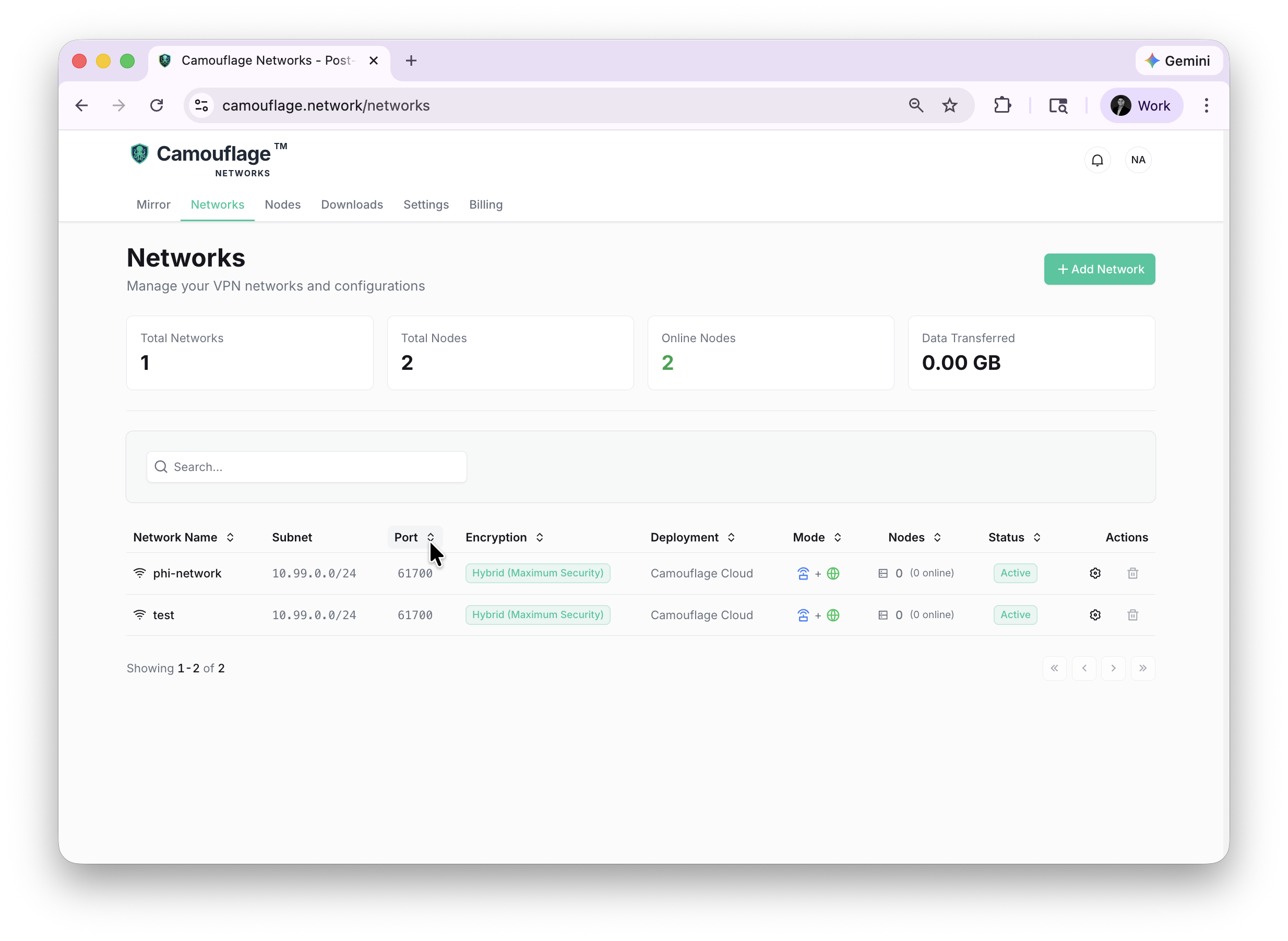
The Networks page is where you create, configure, and manage your VPN networks.
Dashboard
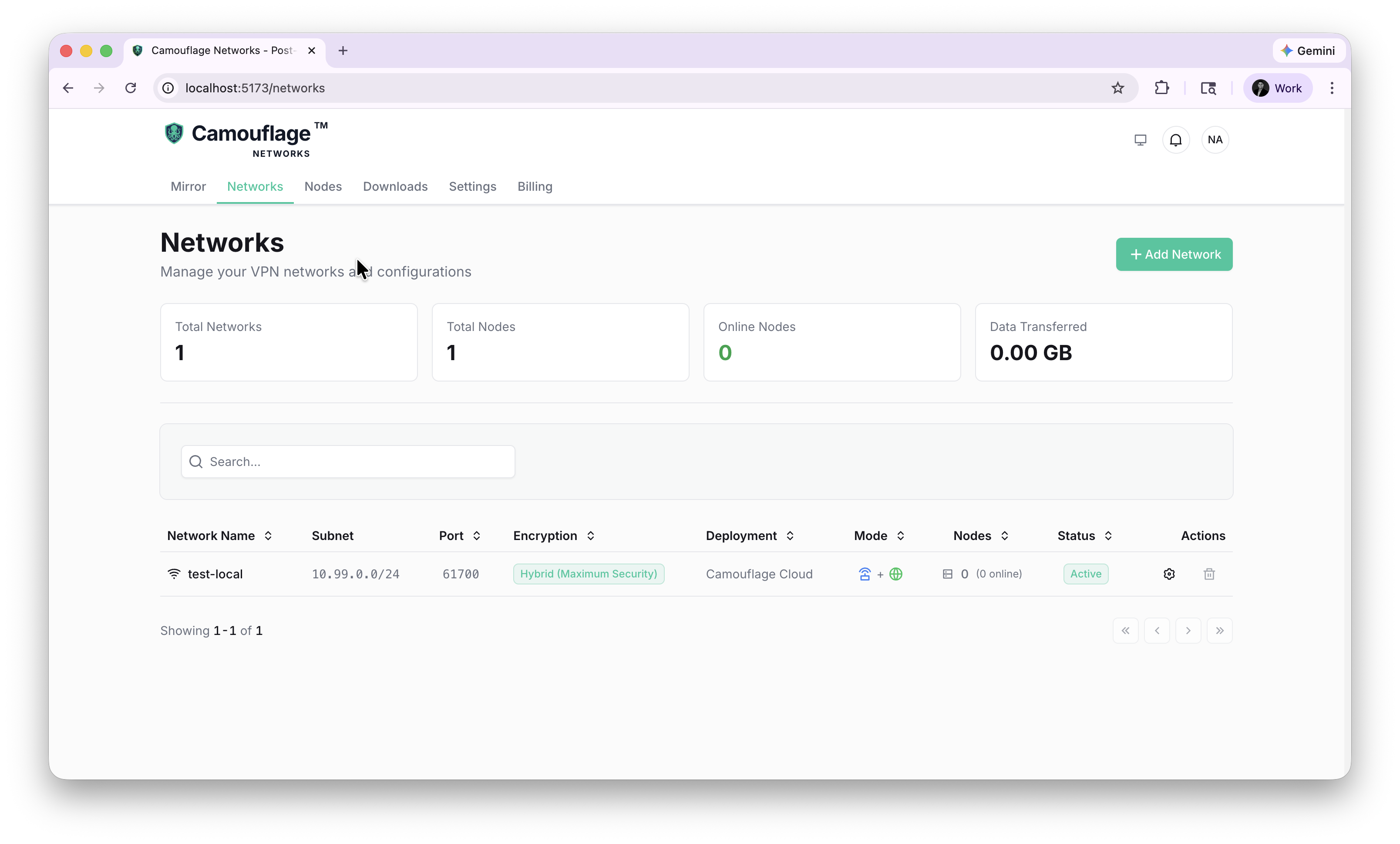
The Networks page shows summary cards at the top:
- Total Networks — Number of networks in your organization
- Total Nodes — Total devices registered across all networks
- Online Nodes — Currently connected devices
- Data Transferred — Total traffic across all networks
Below the summary is a searchable table listing every network with its name, subnet, port, encryption method, deployment mode, network mode, node count, status, and actions.
Creating a Network
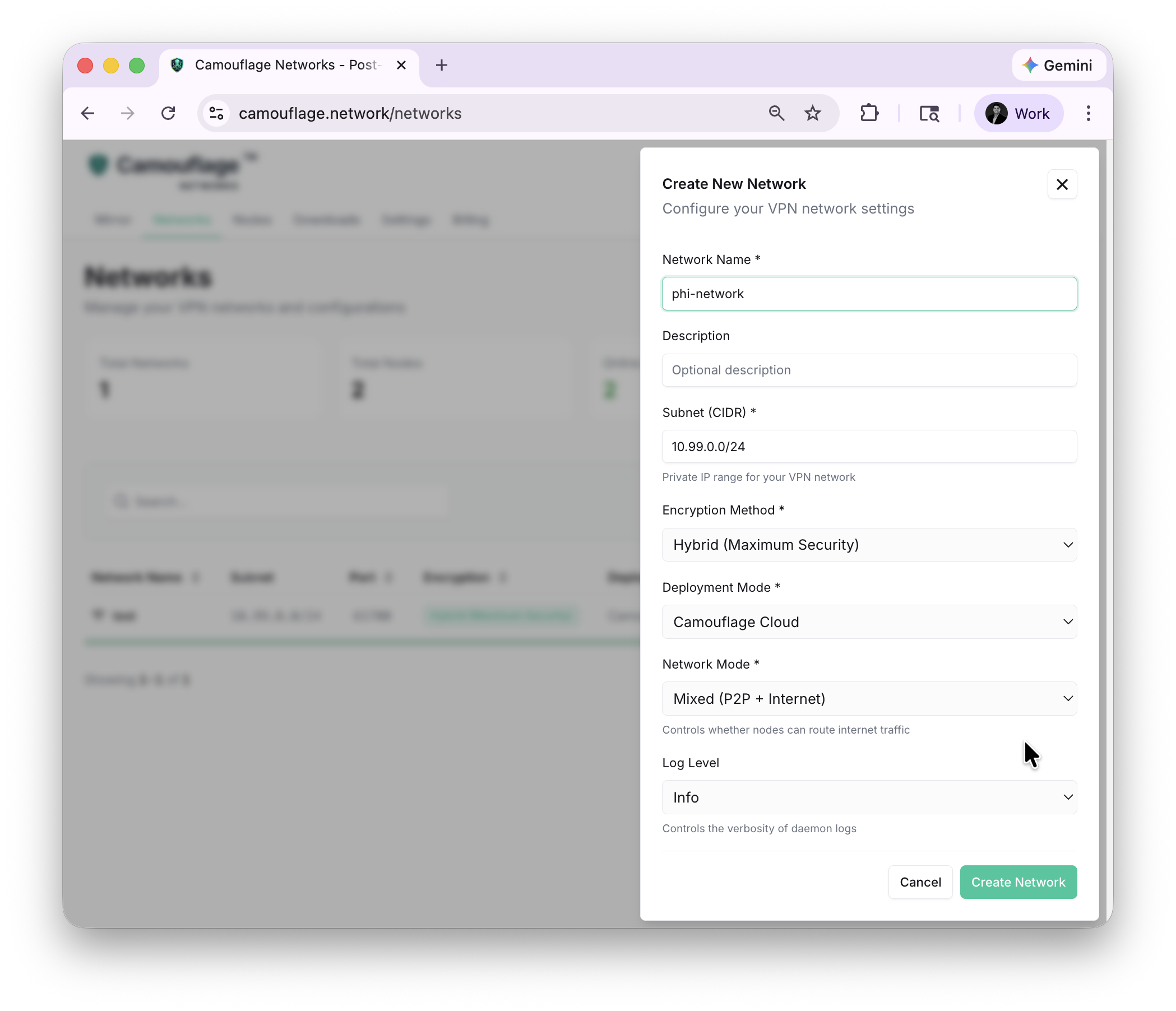
Click + Add Network to create a new VPN network.
Network Settings
| Field | Description |
|---|---|
| Network Name | A descriptive name for the network (e.g., "phi-network") |
| Description | Optional description of the network's purpose |
| Subnet (CIDR) | Private IP range (default: 10.99.0.0/24) |
| Encryption Method | Hybrid (Maximum Security) — post-quantum safe encryption |
| Deployment Mode | Camouflage Cloud (managed) or self-hosted |
| Network Mode | Controls how nodes route traffic (see below) |
| Log Level | Daemon log verbosity (Info, Debug, etc.) |
Network Modes
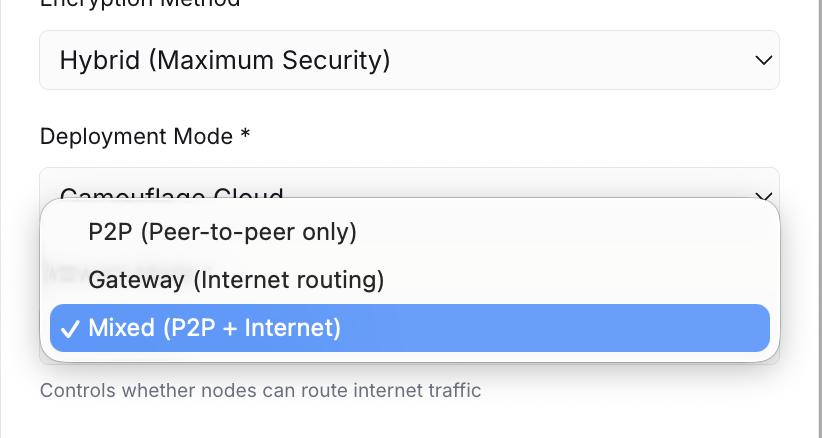
- P2P (Peer-to-peer only) — Nodes communicate directly with each other, no internet routing
- Gateway (Internet routing) — All traffic routed through a gateway node
- Mixed (P2P + Internet) — Nodes can communicate peer-to-peer and route internet traffic through the VPN
Network Detail View
Click a network name to see its detail page with nodes, ACL rules, and tags.
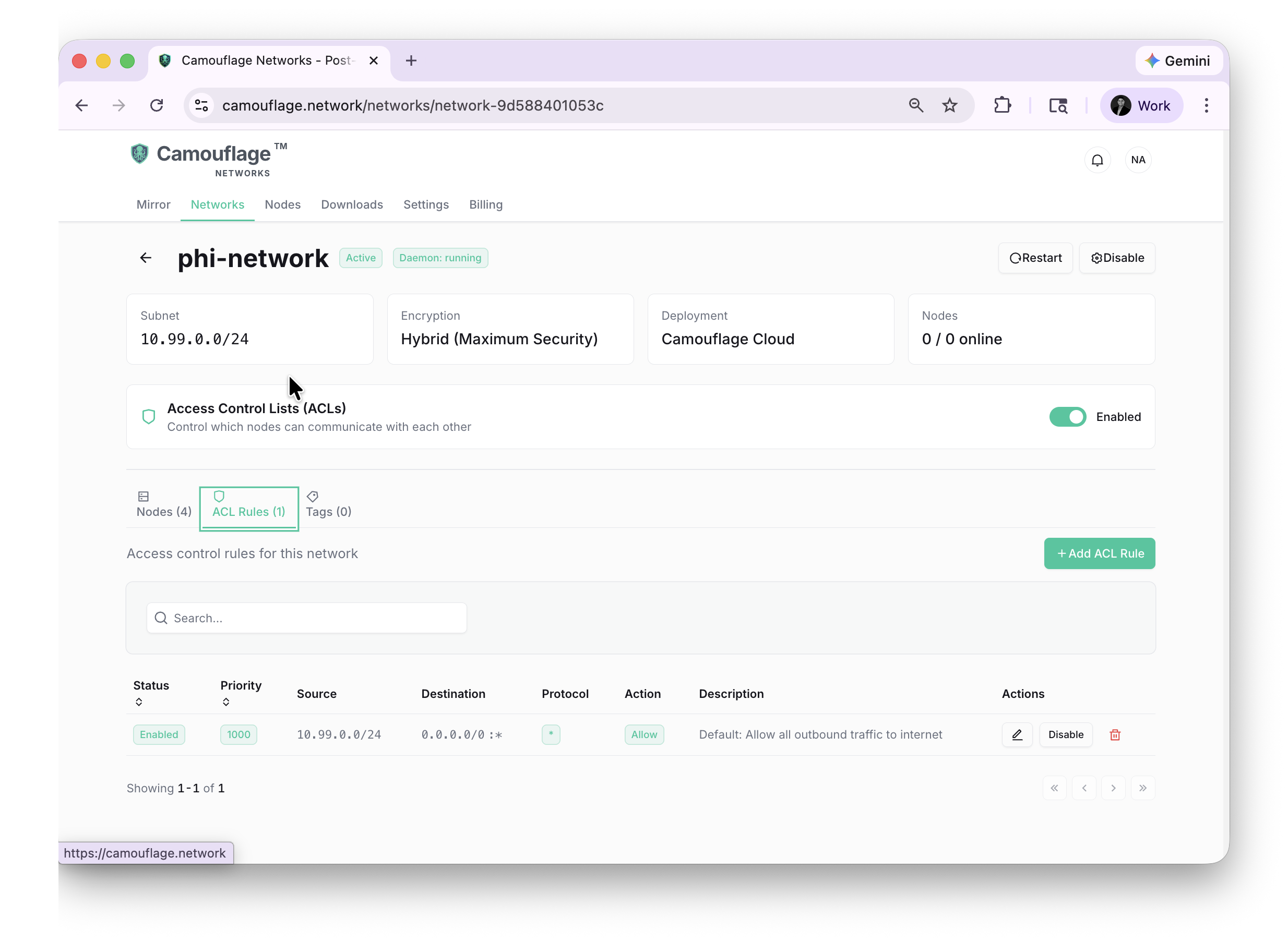
The detail view shows:
- Network status (Active / Inactive) and daemon status
- Subnet, encryption, deployment mode, and online node count
- Access Control Lists (ACLs) — Toggle on to control which nodes can communicate
- ACL Rules — Define allow/deny rules by source, destination, protocol, and priority
- Nodes tab — All nodes in this network
- Tags tab — Organize nodes with labels
After creating a network, it appears in the Networks table: