Settings
The Settings page lets you configure organization-level security and session preferences.
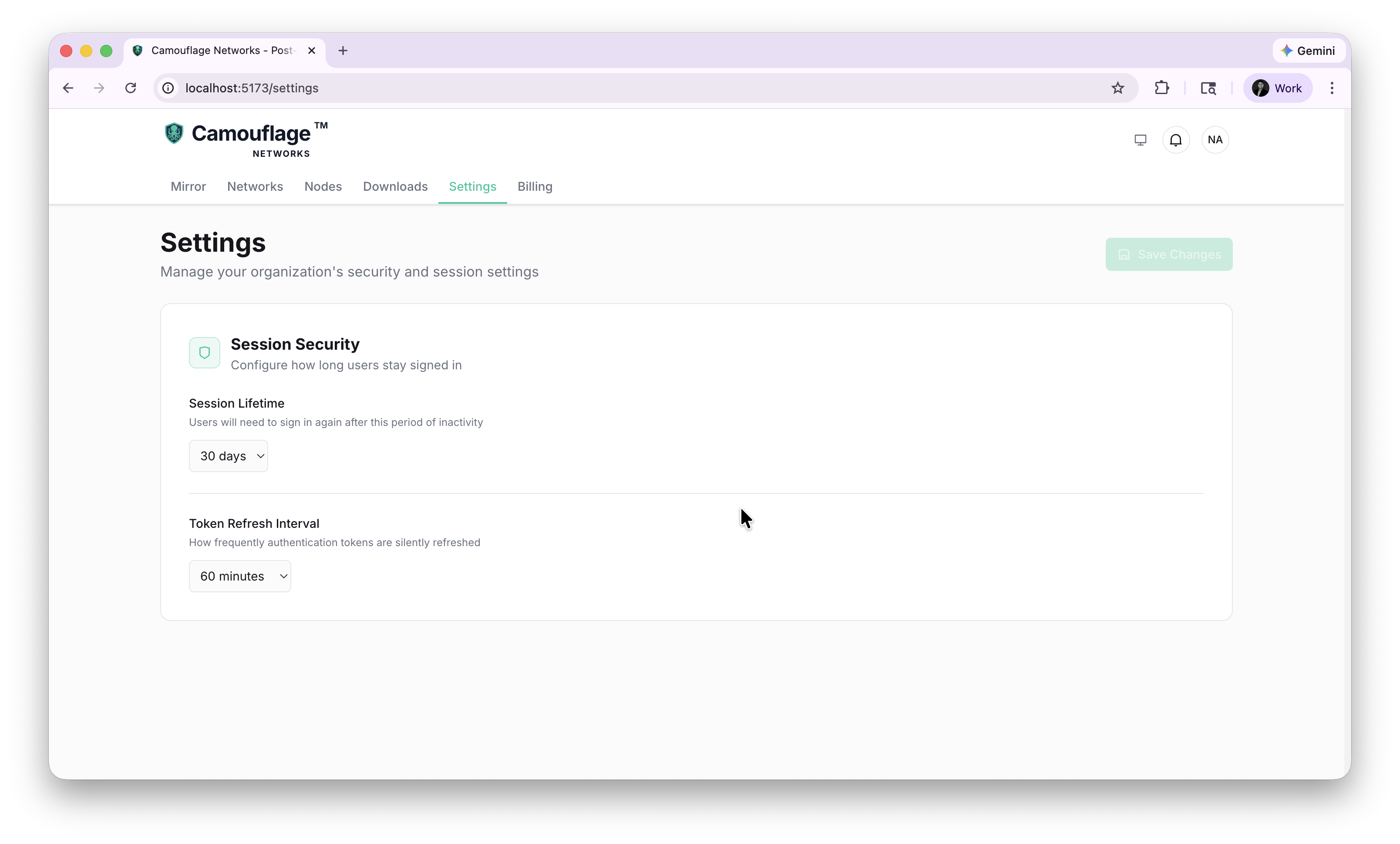
Session Security
Control how authentication sessions behave for your organization.
Session Lifetime
How long users stay signed in before needing to re-authenticate.
| Option | Description |
|---|---|
| 1 day | High security — users sign in daily |
| 7 days | Balanced security for active teams |
| 30 days | Default — convenient for most teams |
| 90 days | Low friction for trusted environments |
Token Refresh Interval
How frequently authentication tokens are silently refreshed in the background.
| Option | Description |
|---|---|
| 15 minutes | Most frequent refresh |
| 30 minutes | Balanced |
| 60 minutes | Default |
| 120 minutes | Less frequent refresh |
Click Save Changes to apply your settings.
Theme
Toggle between light and dark themes using the moon/sun icon in the top navigation bar. Your preference is saved and persists across sessions.